

A website feedback tool
made for agencies,
loved by their clients
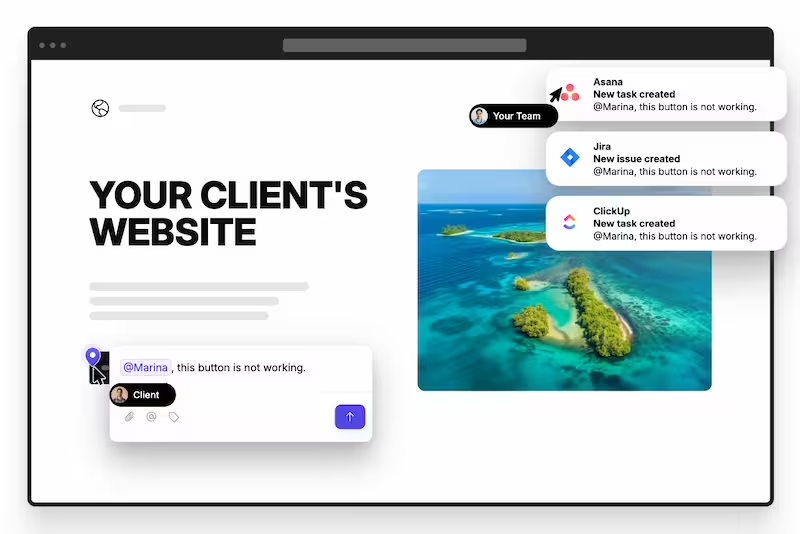
Clients leave feedback right on your staging site without needing an account or browser extension. Your team manages it inside their project management tool. Life’s easier for all.





trusted by 500+ web design agencies

"The best feedback tool we have used in our web design agency - ever. And we have tried them all."

"Our team loves how neatly all client feedback is organized in our PM tool. Also how they can take action without leaving our PM tool."

Other website feedback tools add
friction for clients and your team
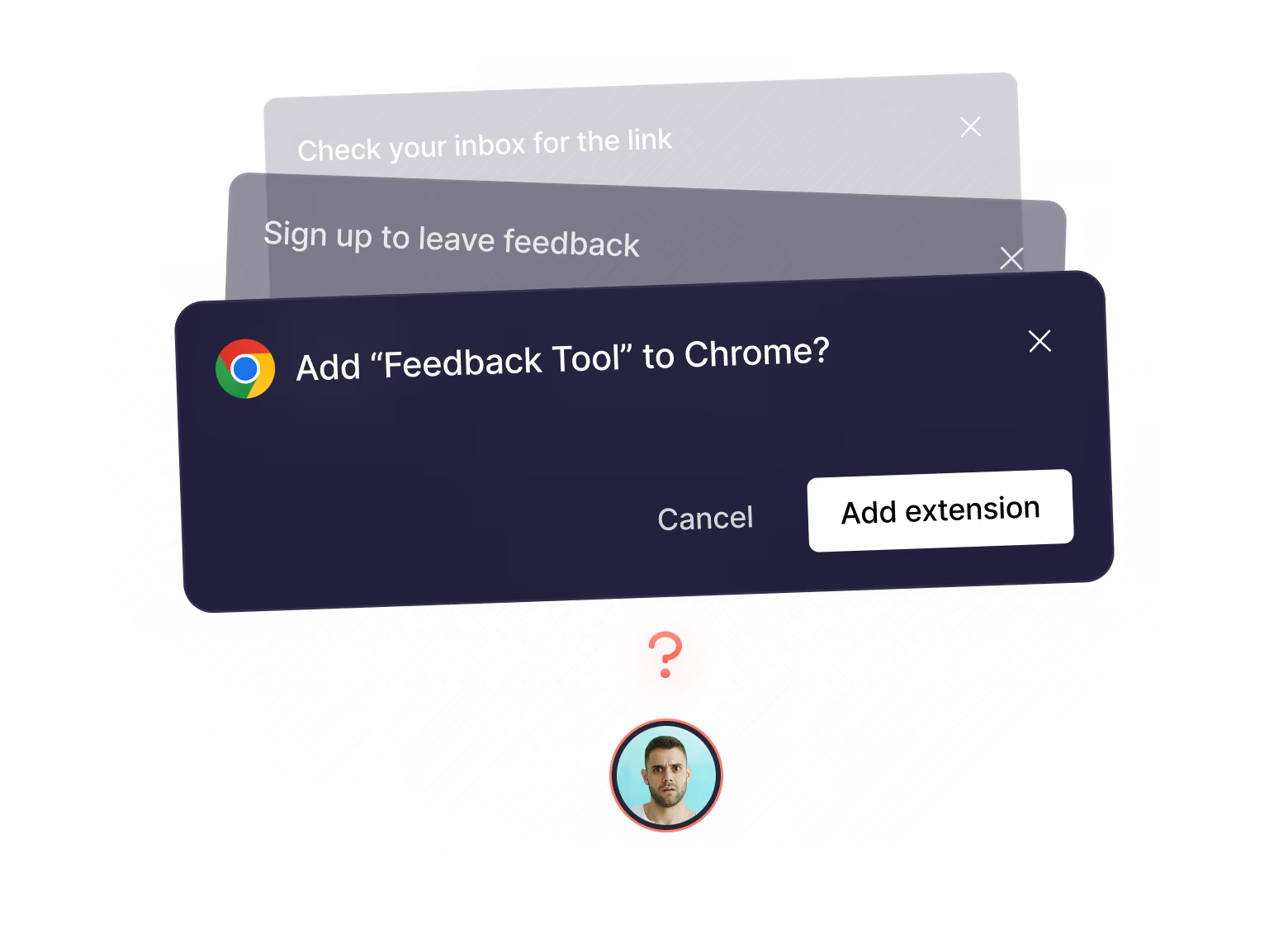
Clients hit a barrier when they’re asked to sign up or install an extension, so they just email you instead.
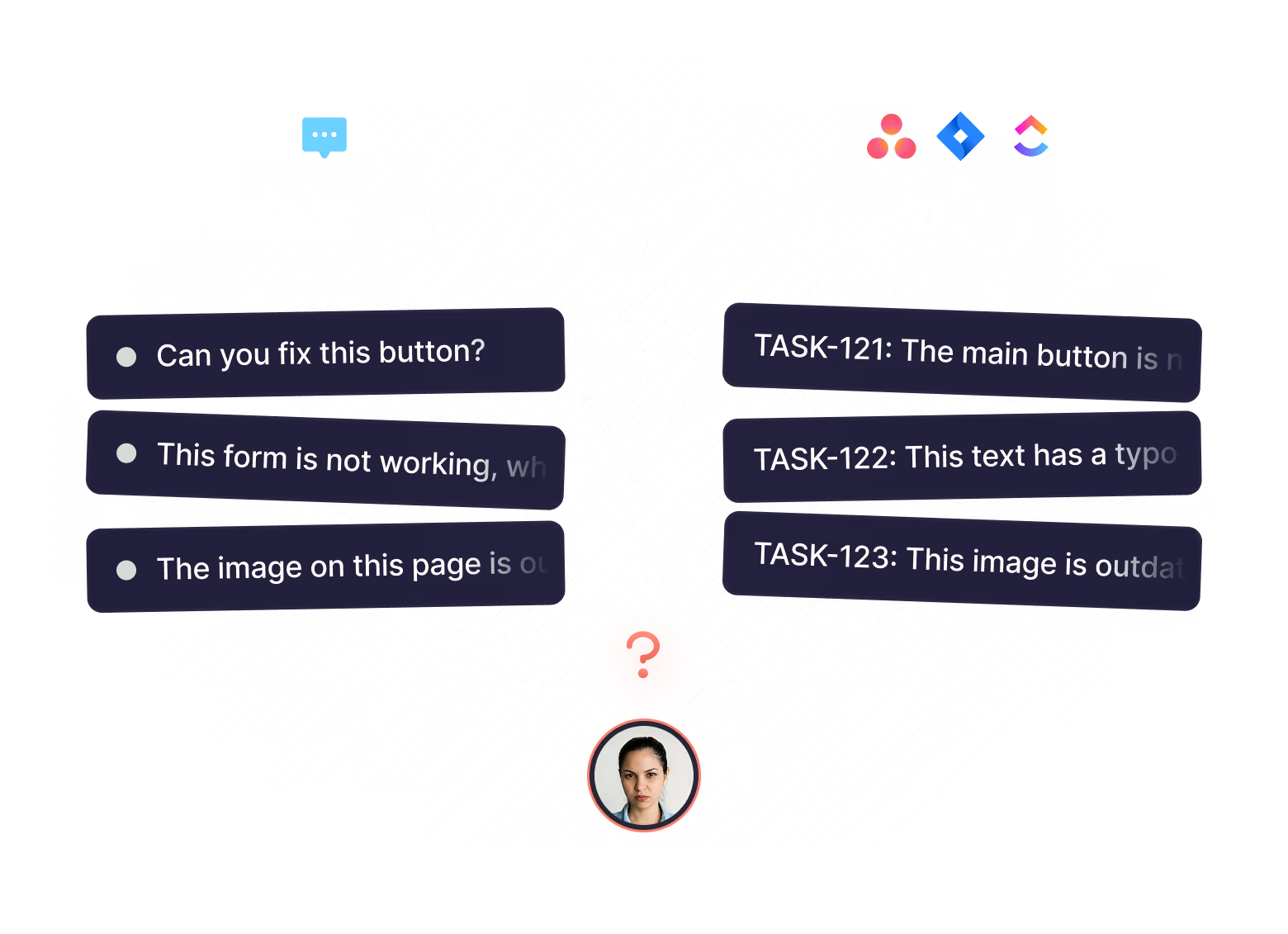
Your team already uses a project management tool, so getting feedback in another tool makes no sense.
Feedbucket eliminates
pain for both
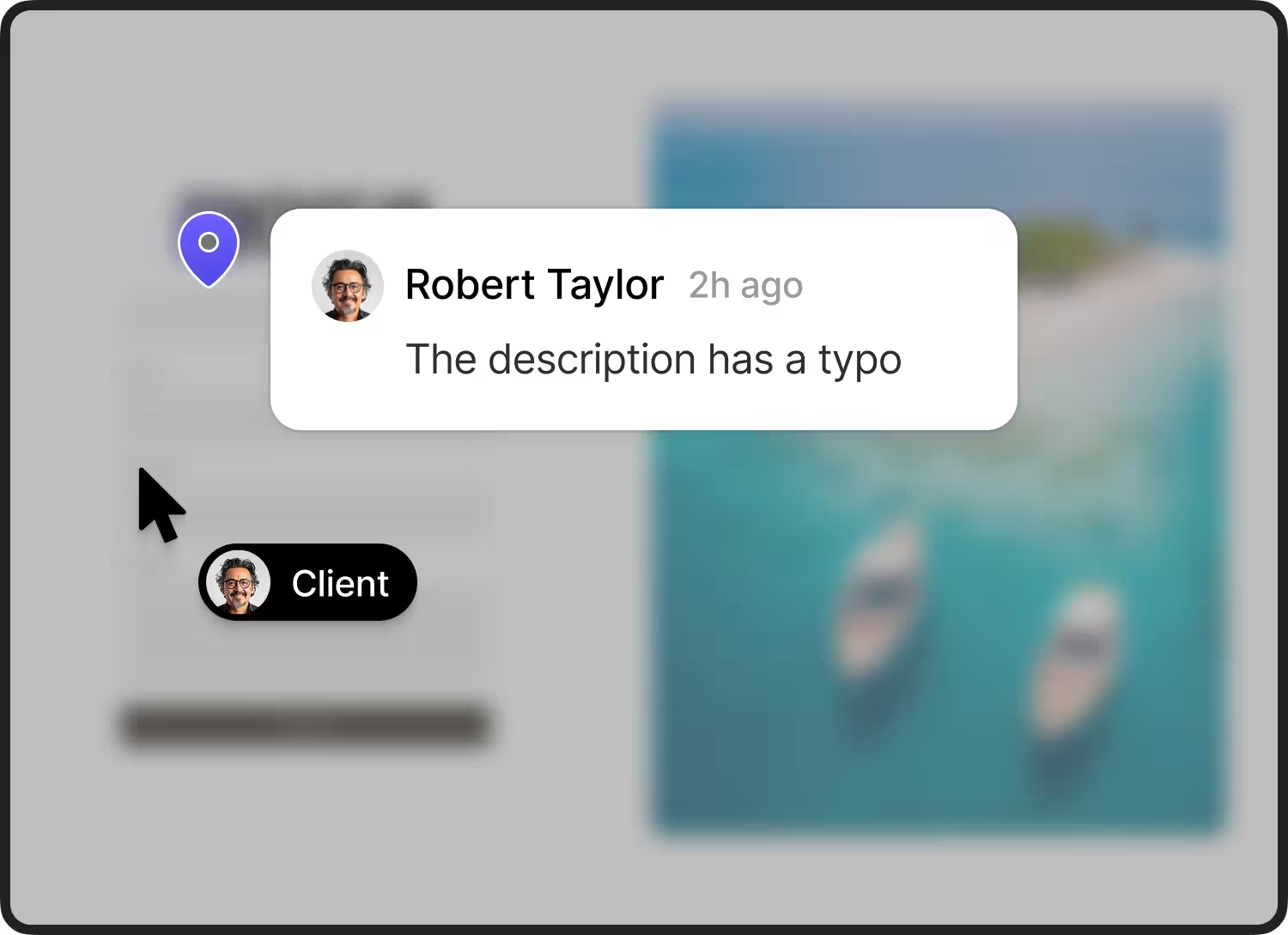
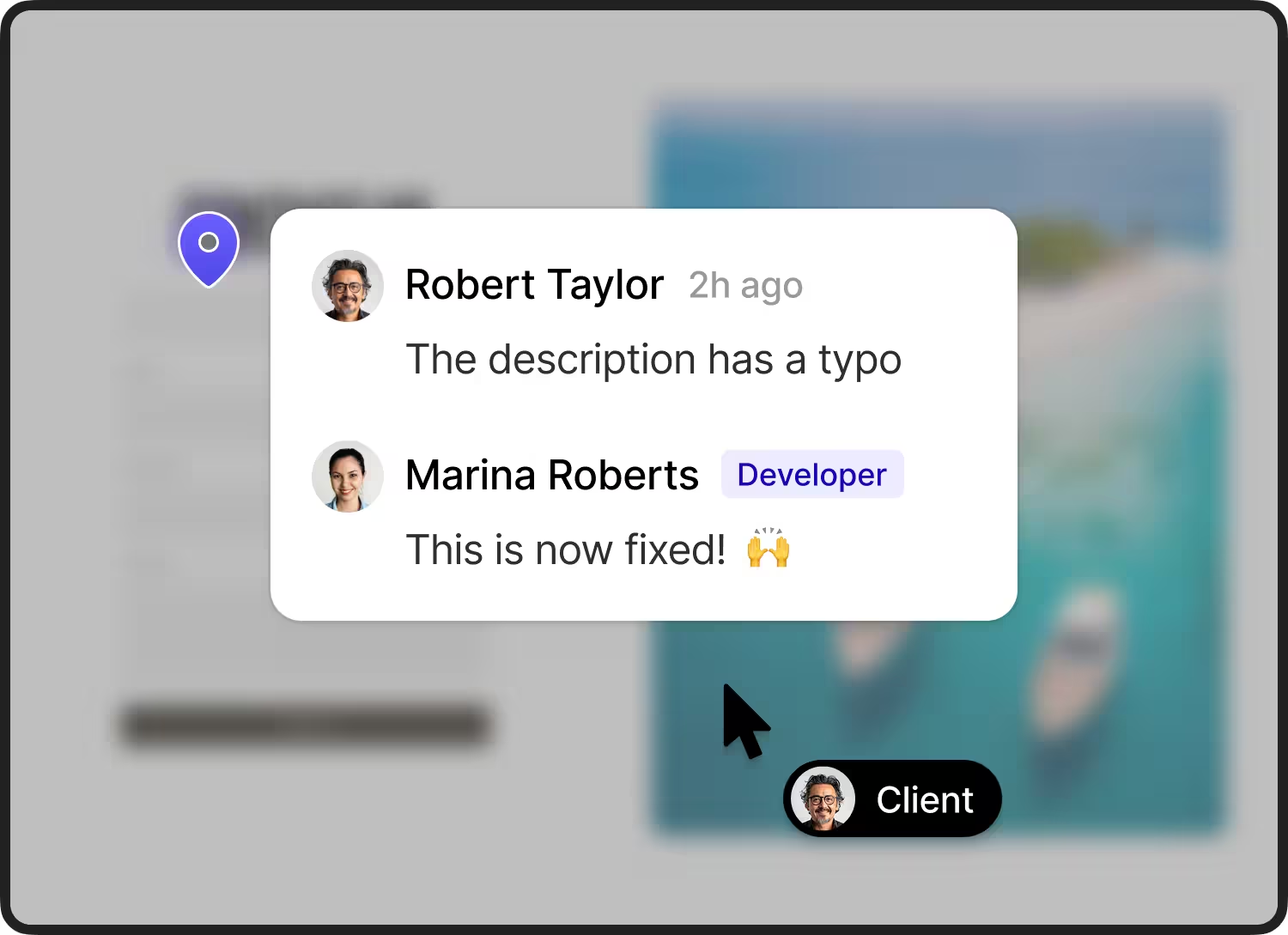
No signups or downloads. Clients leave feedback right on the staging site.
Install Feedbucket with a script. Let clients click
anywhere on the page, add annotations, or even
record their screen to share comments.
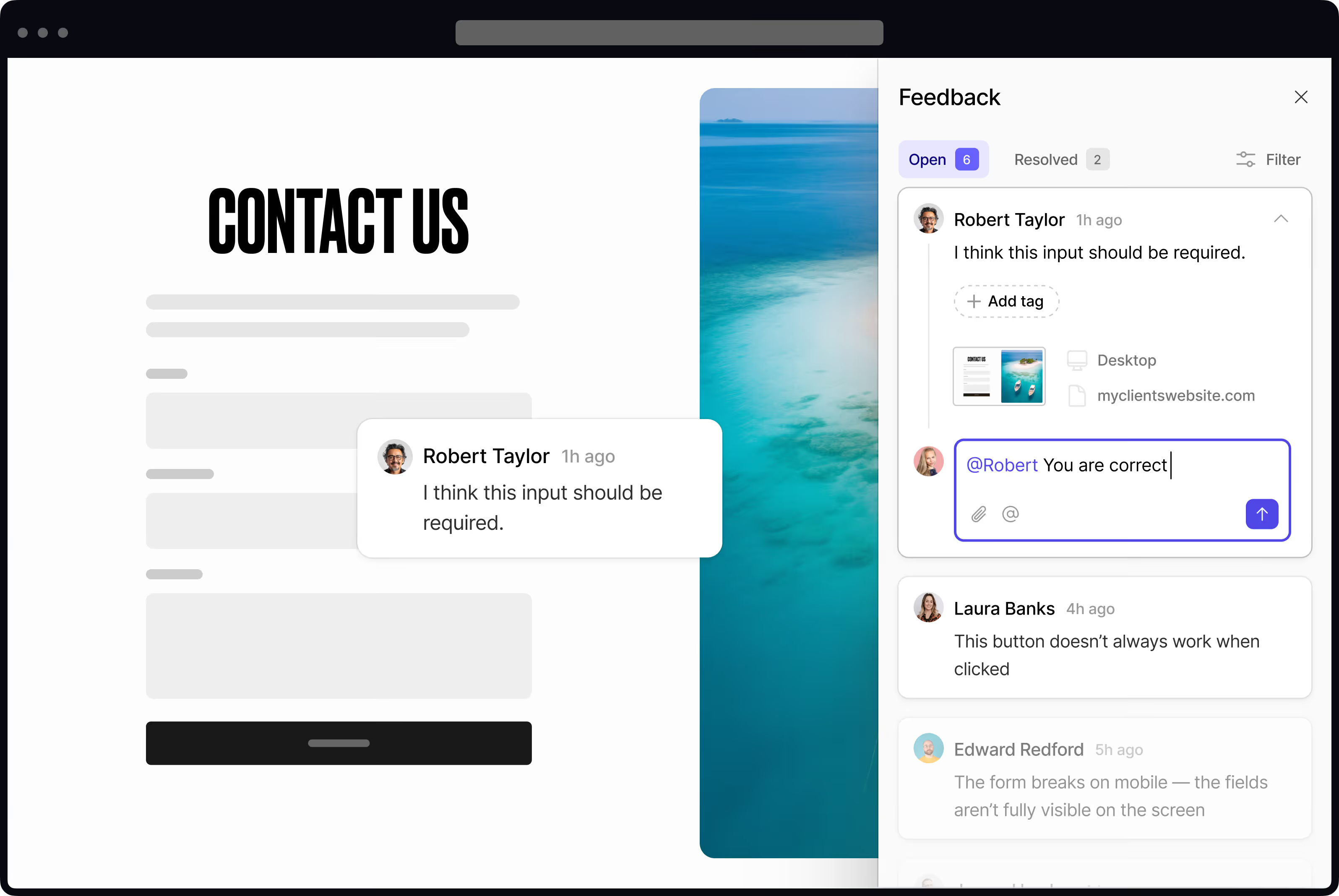

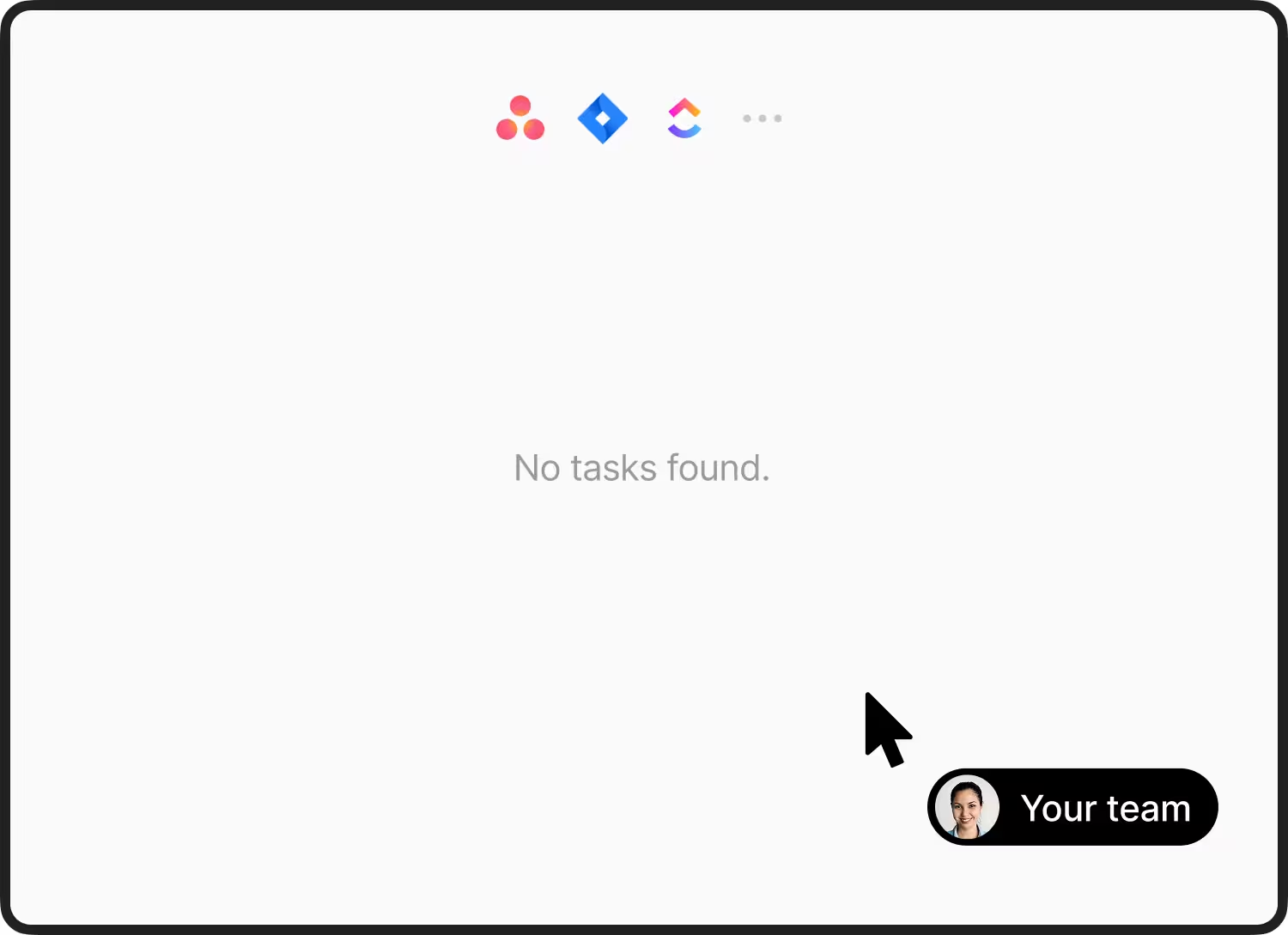
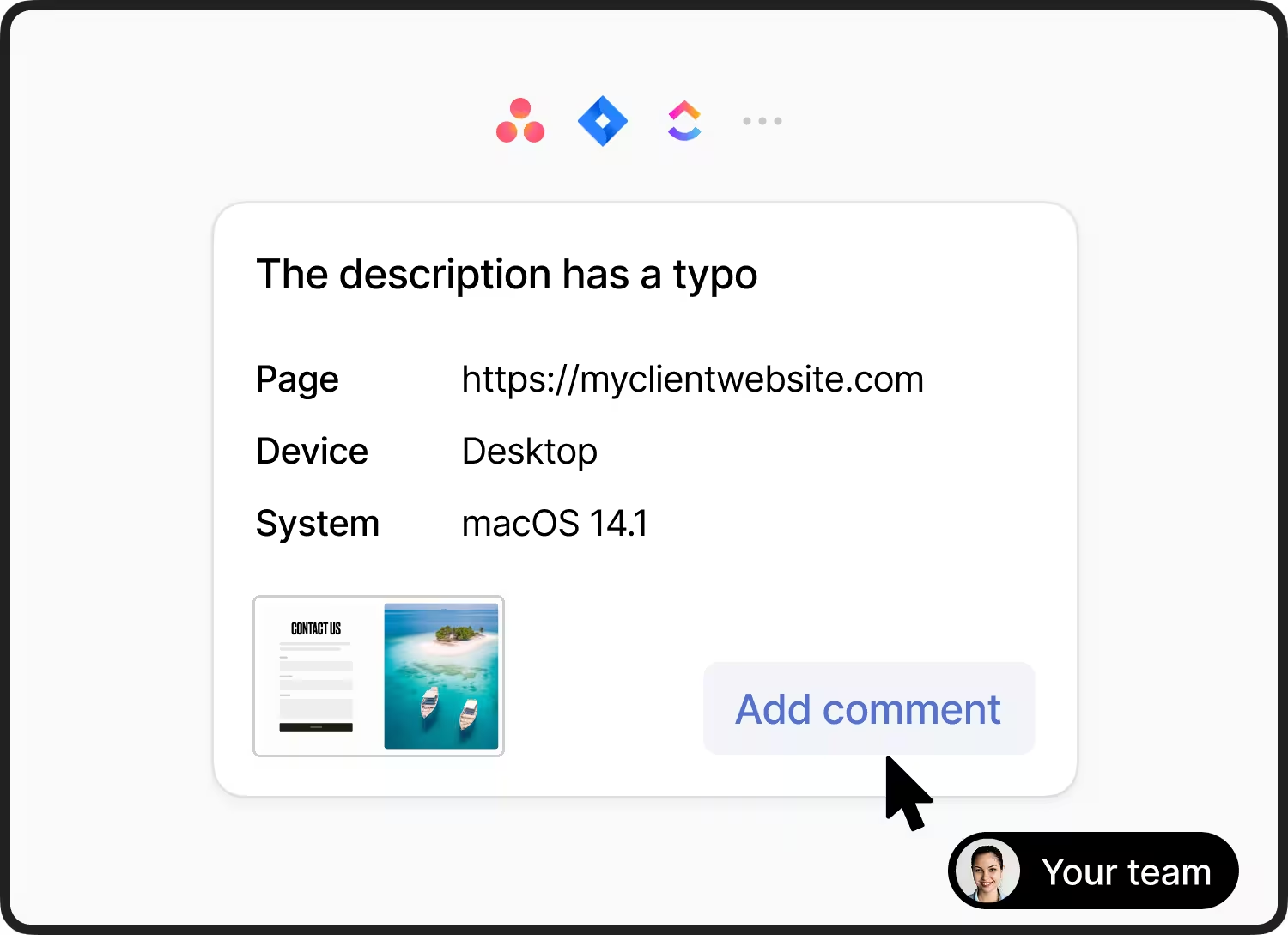
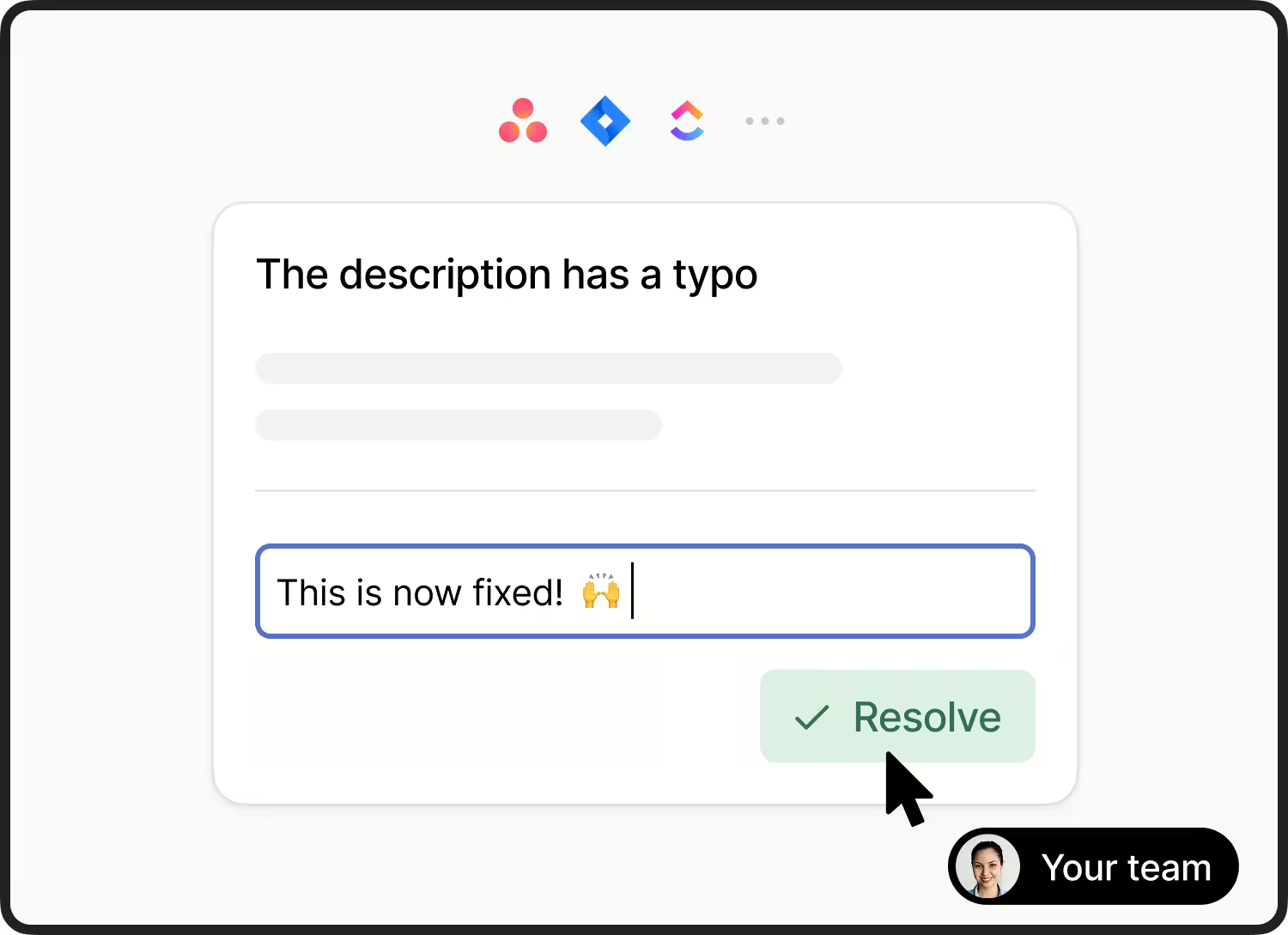
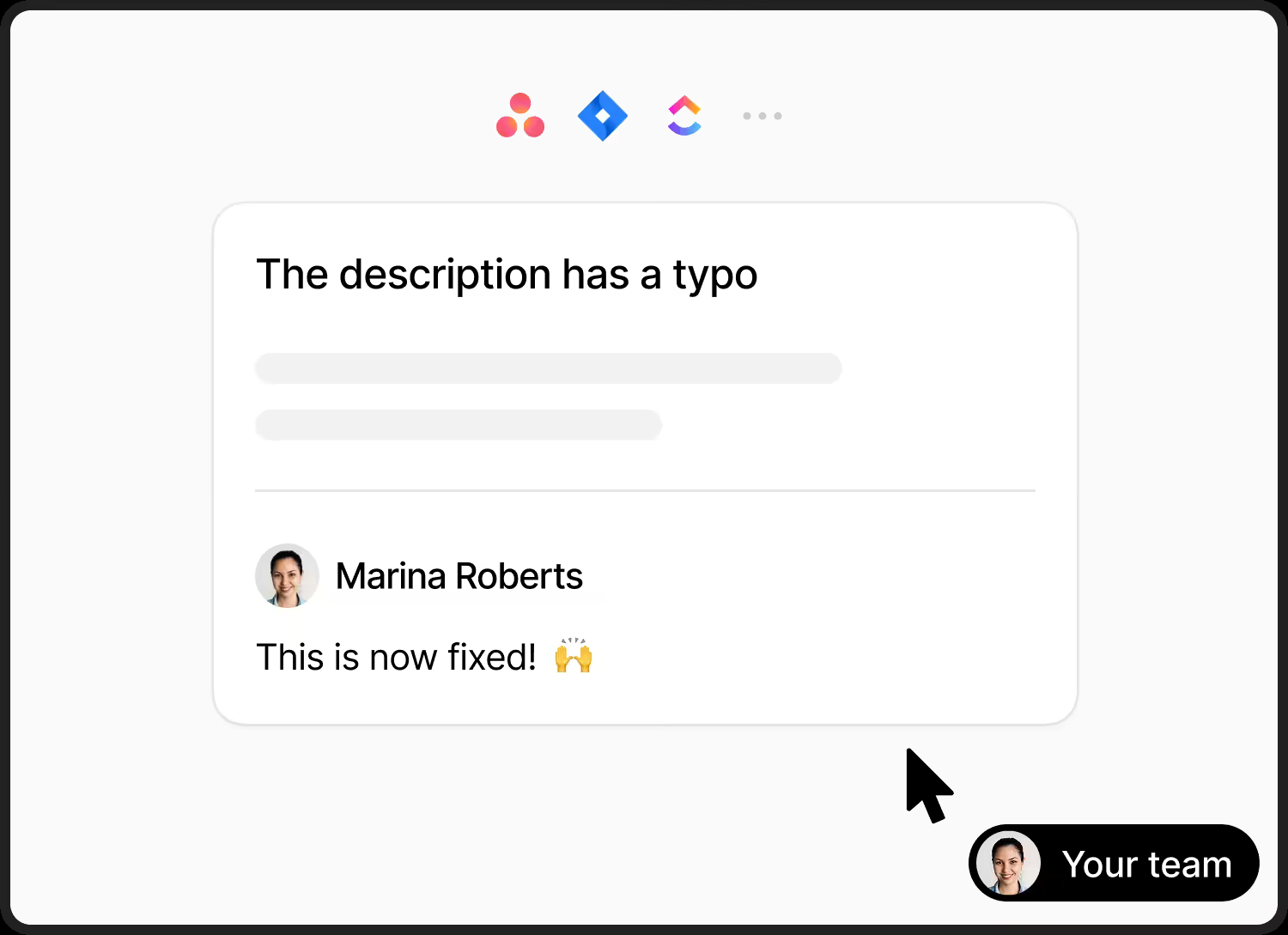
Your team handles this feedback in the PM tool they already use.
Each comment becomes a task inside Asana, Clickup, Jira, etc. Ask follow-up questions or resolve feedback without leaving your project management software or changing workflows.


More ways Feedbucket keeps agencies and clients in sync
Hand feedback to your AI assistant
Connect Claude, ChatGPT or Cursor through the Feedbucket MCP. It reads the screenshot, device details and console logs, fixes the issue, replies to the client and resolves the feedback.
See how the MCP worksGet the latest open feedback on Acme and fix it
- Calledfeedback-get#142 from Jane
- Calledfeedback-get-console-log2 errors
"The menu doesn't open when I tap it on my phone."
staging.acme.com/pricing
- iPhone 15
- Safari 18
- 390×844
- #mobile-menu-toggle
- 2 console errors
Client collaboration on the site
Clients see existing feedback as pins to reduce duplicates, then use comments, mentions, and tags to collaborate and avoid confusion.
Automatic technical context
Each piece of feedback includes critical info like screenshot, browser, OS, URL, screen resolution, console logs, and more.
WordPress plugin
Install Feedbucket in seconds with a native WordPress plugin.
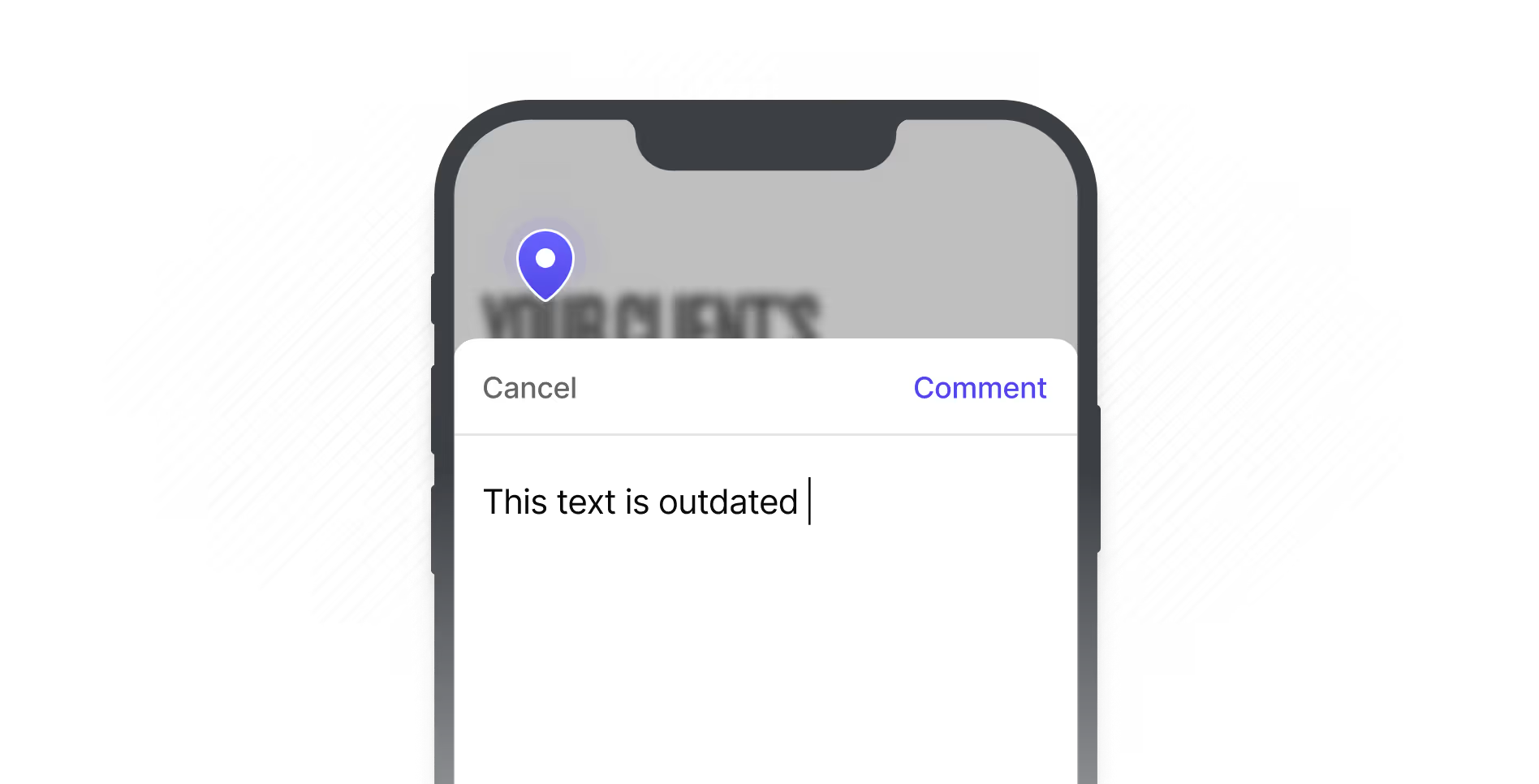
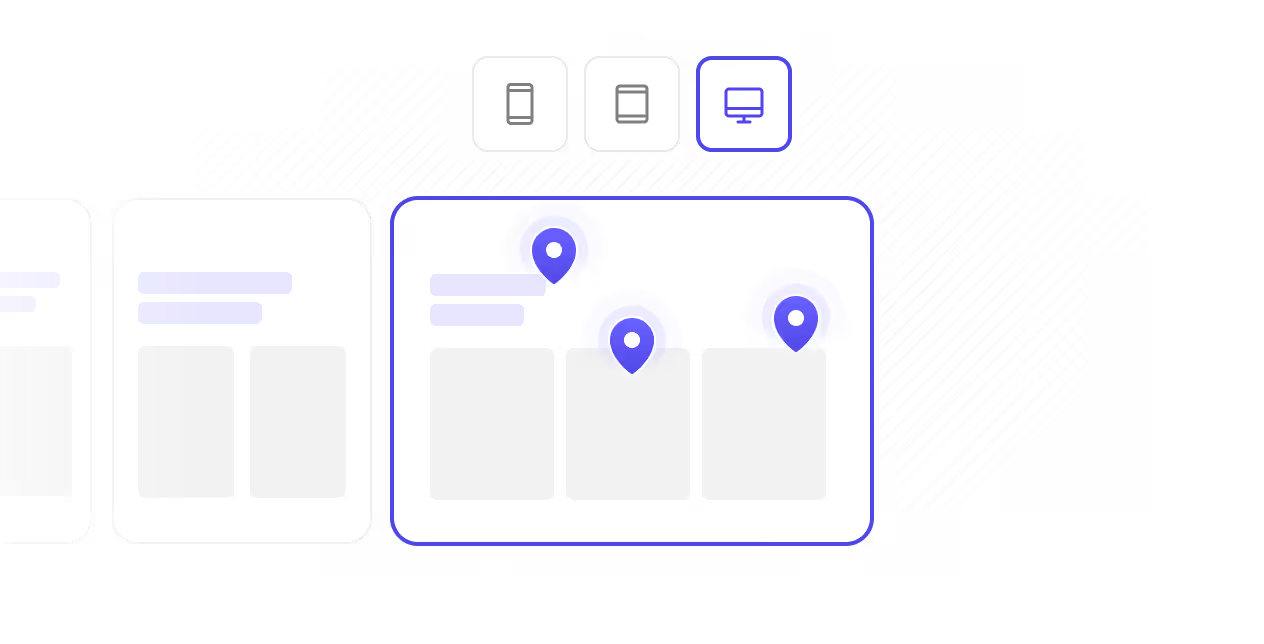
Mobile compatibility
Clients can leave feedback from any device, including desktop, tablet, or phone.
Design feedback
Share design images with your clients to collect feedback and input before development starts.
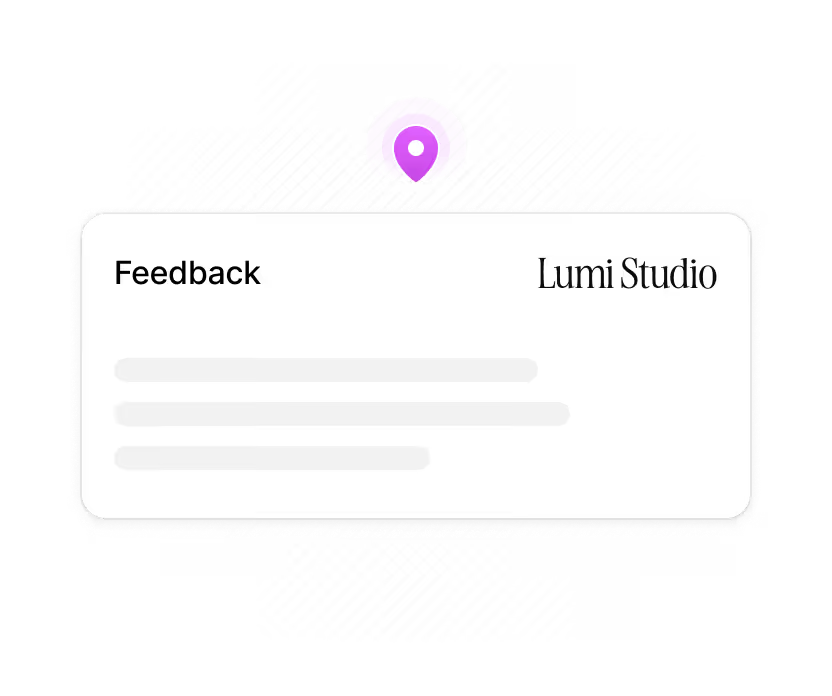
Custom branding
Apply your agency’s logo and colors for a consistent, professional client experience.
Try the live demo
Feedbucket live demo
Try the Feedbucket widget right here, right now, with no signup necessary.
What web design agencies are
saying about Feedbucket
"For a while, I struggled with buggy tools. When I found Feedbucket, I was immediately impressed with the ease of use and reliability of the third-party integrations."
 Mark TenneyCEO, Digital Church
"We’ve tried many different feedback tools, but Feedbucket really stands out. The user interface is clean and intuitive, and it’s packed with all the features we need."
 Len van EssenOwner, wndr.digital
"From our clients' point of view, Feedbucket is very simple and intuitive to use and not convoluted."
 Richard WilmotHead of Operations
"Our team loves how neatly all client feedback is organized in our PM tool. Also how they can take action without leaving our PM tool."
Martin SpautzDirector, RubyWeb"The Asana integration allows us to almost never open Feedbucket itself. Instead we can manage the feedback all from within Asana"
 Conal BradyCEO, Ecom Luxx
"The best feedback tool we have used in our web design agency - ever. And we have tried them all."
Hassan IqbalOwner, CreativePixels Agency


Frequently asked questions
Feedbucket is a website feedback tool that you install on your website. When Feedbucket is installed, visitors can submit feedback using screenshots or videos. Together with the screenshot/video comes technical information such as Browser and device straight into your PM Tool.
Feedbucket is designed specifically for web agencies to manage client feedback. Unlike competitors, we focus on features that directly address this need. Plus, we integrate deeply with your existing tools, so there's no need to juggle another platform. Your team can manage all feedback right from your project management tool.
There is nothing for your clients to install. When you add Feedbucket to your website the client gets everything they need right in their browser.
No, you do not have to use an integration. You will be able to view all the feedback either inside of Feedbucket admin or on the "View all feedback" button in the widget.
This basically means that if something happens in Feedbucket we sync that to the integration and if something happens in the integration we sync that back to Feedbucket. An example can be to resolve feedback. If you resolve it in Feedbucket it gets resolved in the integration and if you resolve it in the integration it gets resolved in Feedbucket.
Sign up for a 14-day free trial to try all features of Feedbucket — the website annotation tool build for web agencies.